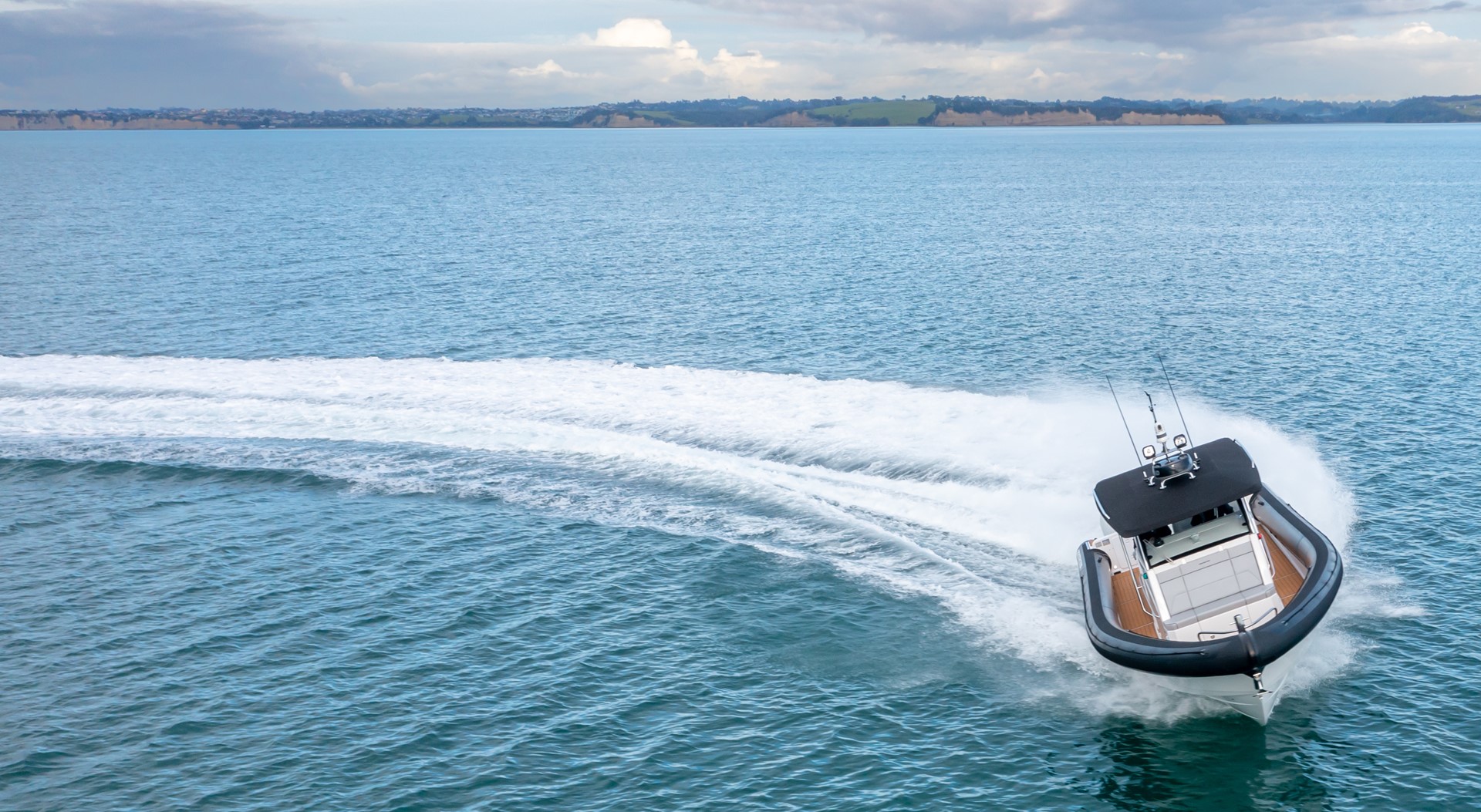
Rayglass & Naut building the first ever electric Protector
Rayglass has partnered with Naut to put what may be the world's most powerful electric outboard on the Protector. Whisper quiet, but super powerful.
Posted By Rayglass | April 10, 2020
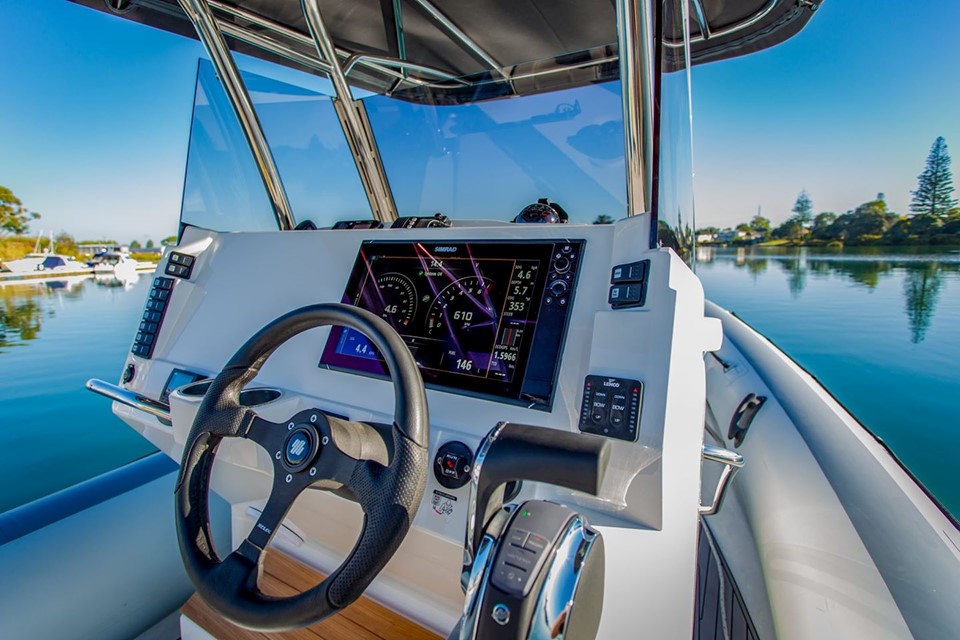
When you’ve navigated safely through the rocks or found a favourite fishing spot, it’s often easiest to follow the same route when you come back. Once you know how to use it the tracks function on your multi-function-display makes doing this easy.
Check out our quick guide to make sure you can set tracks next time your out on the water.
CREATING NEW TRACKS
Tracks are a graphical representation of the path of your boat in your Simrad MFD’s history. They’re easy to use and can save you a lot of hassle.
You can start a new track from the tracks dialog, activated by using the waypoints tool on the home page. The system continues to record the tracks until the length reaches the maximum point, and then automatically begins overwriting the oldest points.

The Today’s activity track records in the background by default and cannot be deleted. It resets every 24 hours at GMT while the unit is turned off. You can choose not to display it by un-checking the display box.
A track can be coloured based on the source of data that created it and the high/low limits you set:


2. Select the high and low options to set high and low values (after you specify the source).

When you activate the cursor by tapping the touch screen directly on top of a chart item, basic information of each symbol is displayed.

With an appropriate cartography source, like a plug-in chart card, you can find chart objects by using the menu. Just press the menu key or tap on the menu icon on the top right corner of the page.


Activate the cursor by tapping on the tide icon from the chart panel.

MEET CHRIS LIU – SIMRAD MFD EXPERT
Chris Liu is the man behind the Rayglass/Simrad MFD guides. He started work at Navico/Simrad as a technical support engineer eight years ago and he still loves every day on the job. He helps Simrad users who ring or email through the support channels make the most of their devices while out on the water.
Chris is an NMEA certified technician and has completed networking and marine electronic installer and advanced marine electronic installer courses. This year he’s started helping train Kiwi Navico dealers and technicians and is hoping to start doing the same for dealers in Asia in 2020.

Rayglass has partnered with Naut to put what may be the world's most powerful electric outboard on the Protector. Whisper quiet, but super powerful.

Freedom Boat Club's newest location at Hobart's Derwent Sailing Squadron welcomes its first boat: a brand new Rayglass Legend 2350.

A Protector 310 Targa named Southern Defender is helping Sea Shepherd Australia reach 40+ remote island colonies to bring endangered Australian sea...
There's always something new happening at Rayglass, so if you'd like to be first to know just sign up here. You'll be in the loop on latest news, reviews and upcoming events